Three steps to get going
Start hosting or charging
Create your listing with photos and details
Set availability (recurring schedules, blackout dates, one-off blocks)
Set pricing: hourly rate prorated in 5-minute increments
Configure peak/off-peak pricing
Toggle private/public and generate access codes for private use
Track earnings and withdraw once funds clear (weekly)
Reserve, unlock, charge
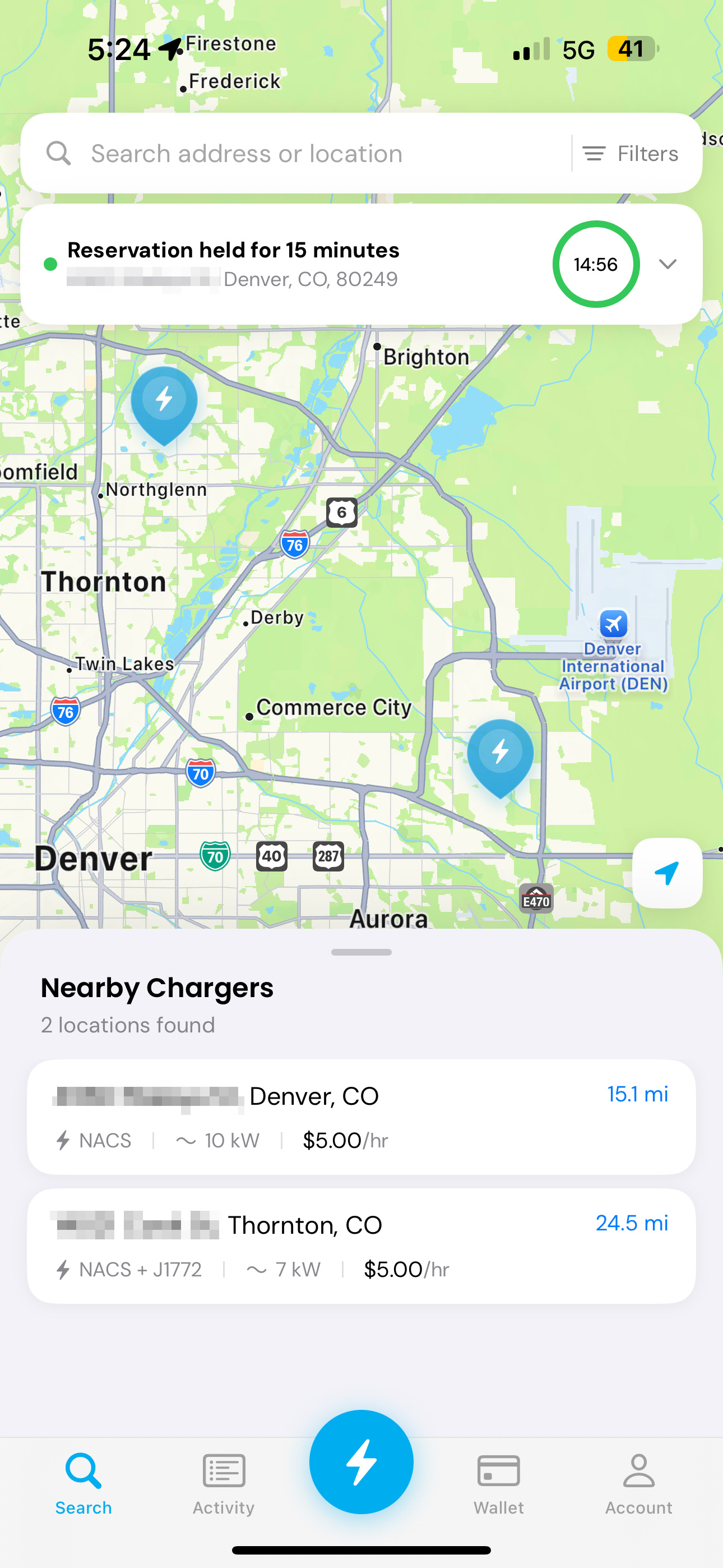
Find nearby charging locations in the app
Reserve with a 15-minute arrival window
Unlock via Bluetooth to access the cable
Session timer and receipts in-app
Auto-billing (including a $3 minimum per session)
Easy access to support when something goes wrong
A network built on accountability
Hosts provide
Address + payment information
Driver's license verification
Proof of an existing
Level 2 charger
Proof of homeowners insurance
Payment information
Driver's license verification
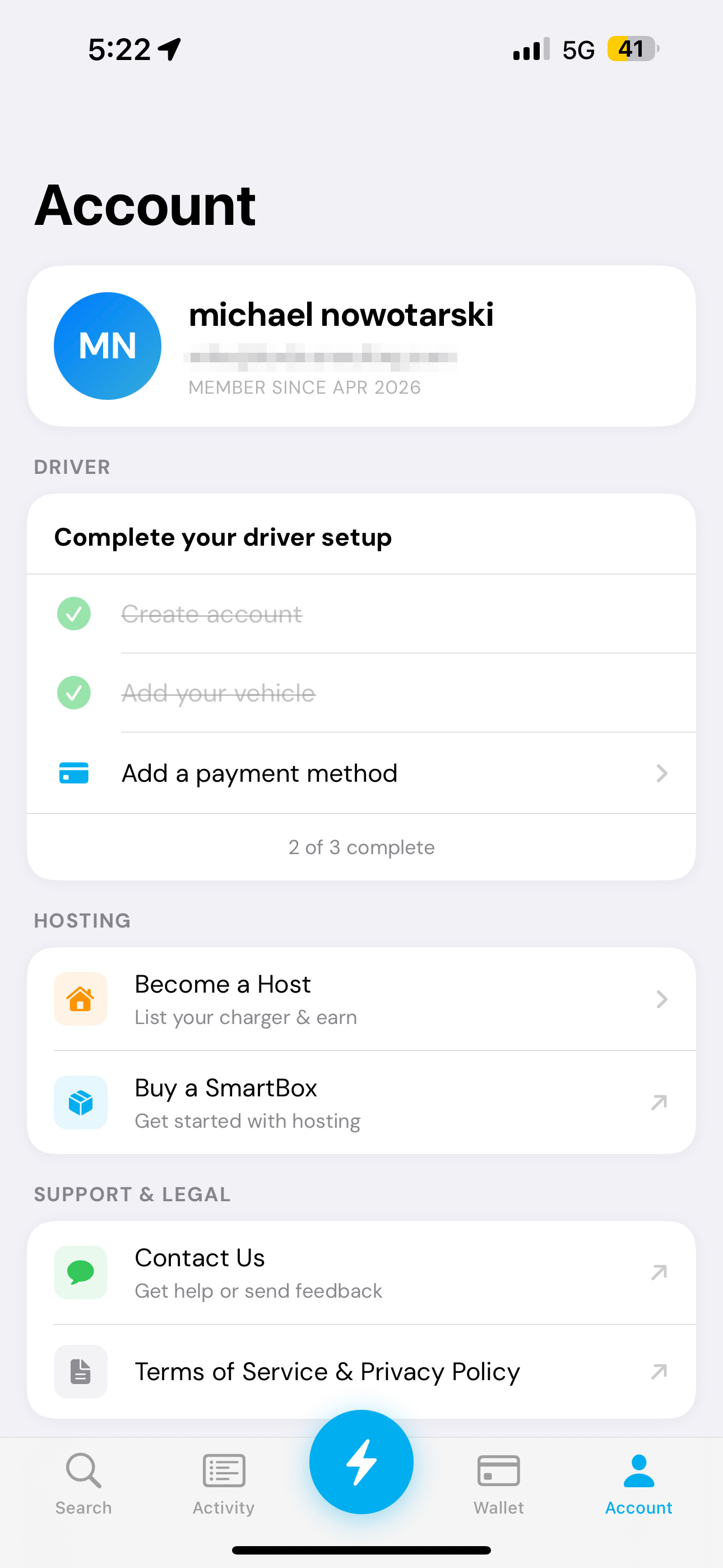
Vehicle details (make, model, year, color) + license plate
Quick answers
Yes. You choose Host or Driver during setup, and the experience adapts.
With an active reservation, the app unlocks the lockbox via a secure Bluetooth connection.
Drivers are billed based on time with the cable checked out, in 5-minute increments, with a $3 minimum.
Hosts are credited when a session ends. Withdrawals are available once funds clear (weekly).
Yes. Private mode uses access codes so only the right people can reserve.
Drivers can report issues in-app and support will help. If an active unit doesn't work, the next charge is free.
Yes—basic information is used for verification and accountability.