Solutions › Home Host Kit
Monetize your EV charger's downtime, on your schedule.
EVchargeME lets you list your existing Level 2 charger when it's convenient, set your own pricing, and get paid automatically—without giving up control of your home.
From $249
Works with Tesla, NACS & J1772 Level 2 chargers
In the box
A simple hardware + app setup that turns private charging into a paid service.
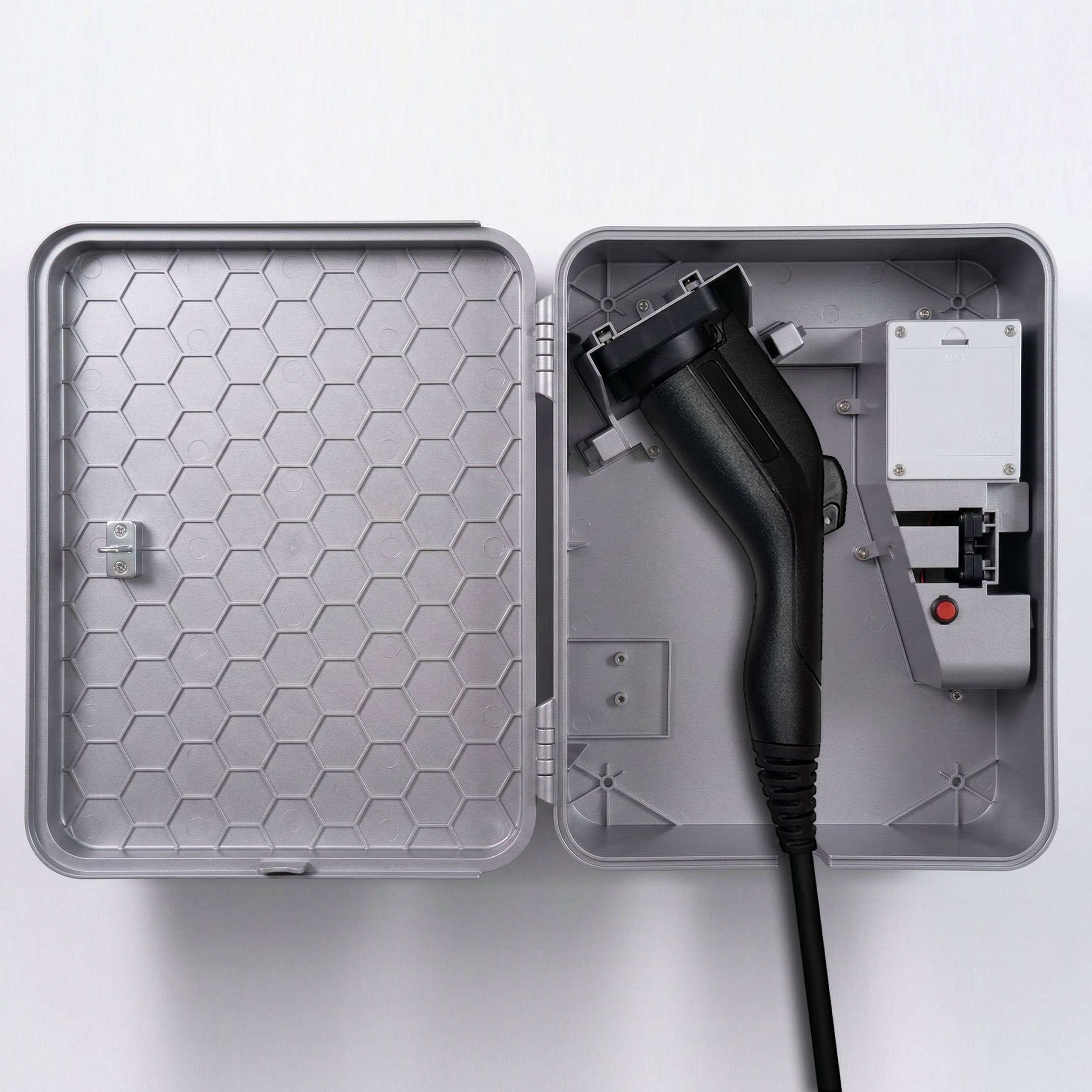
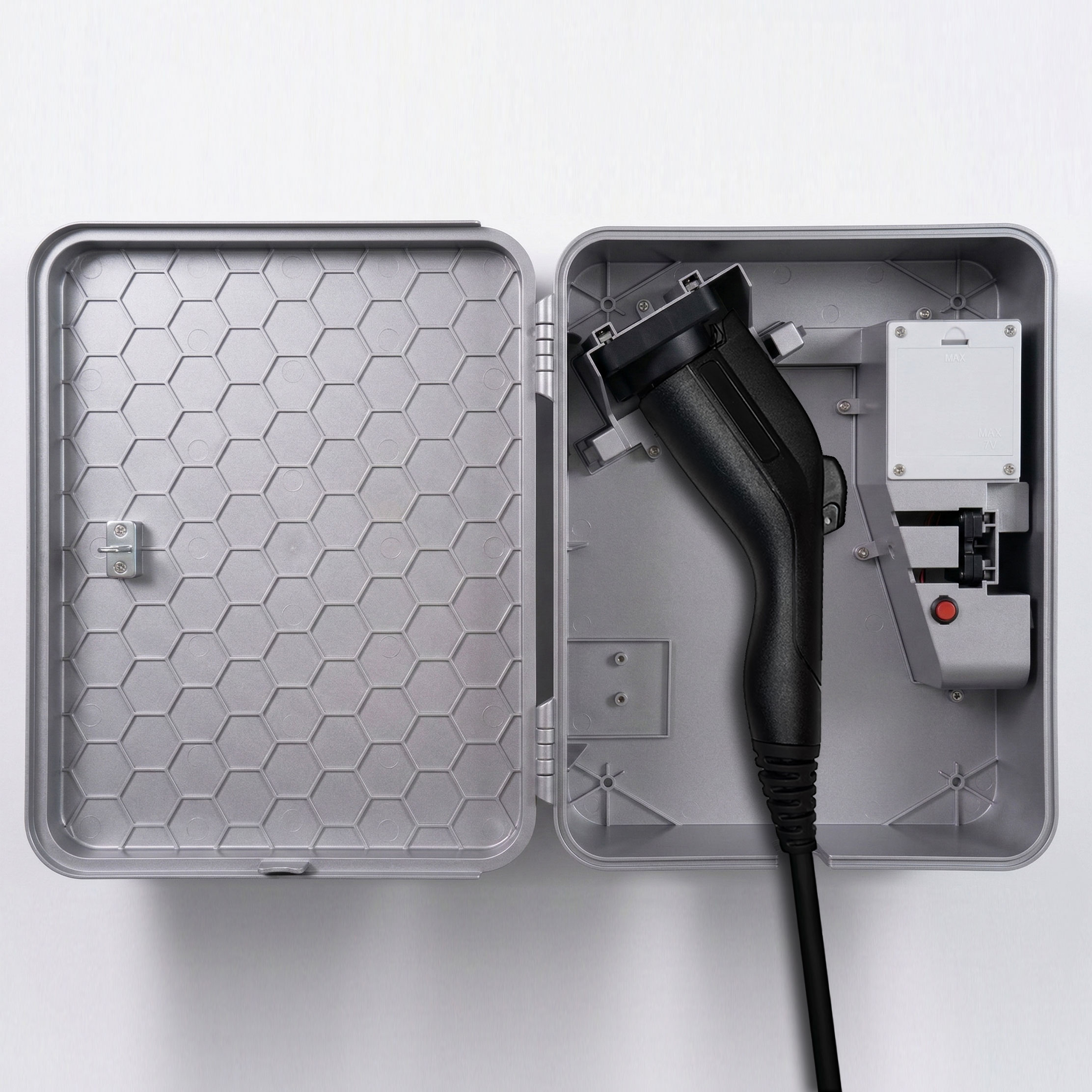
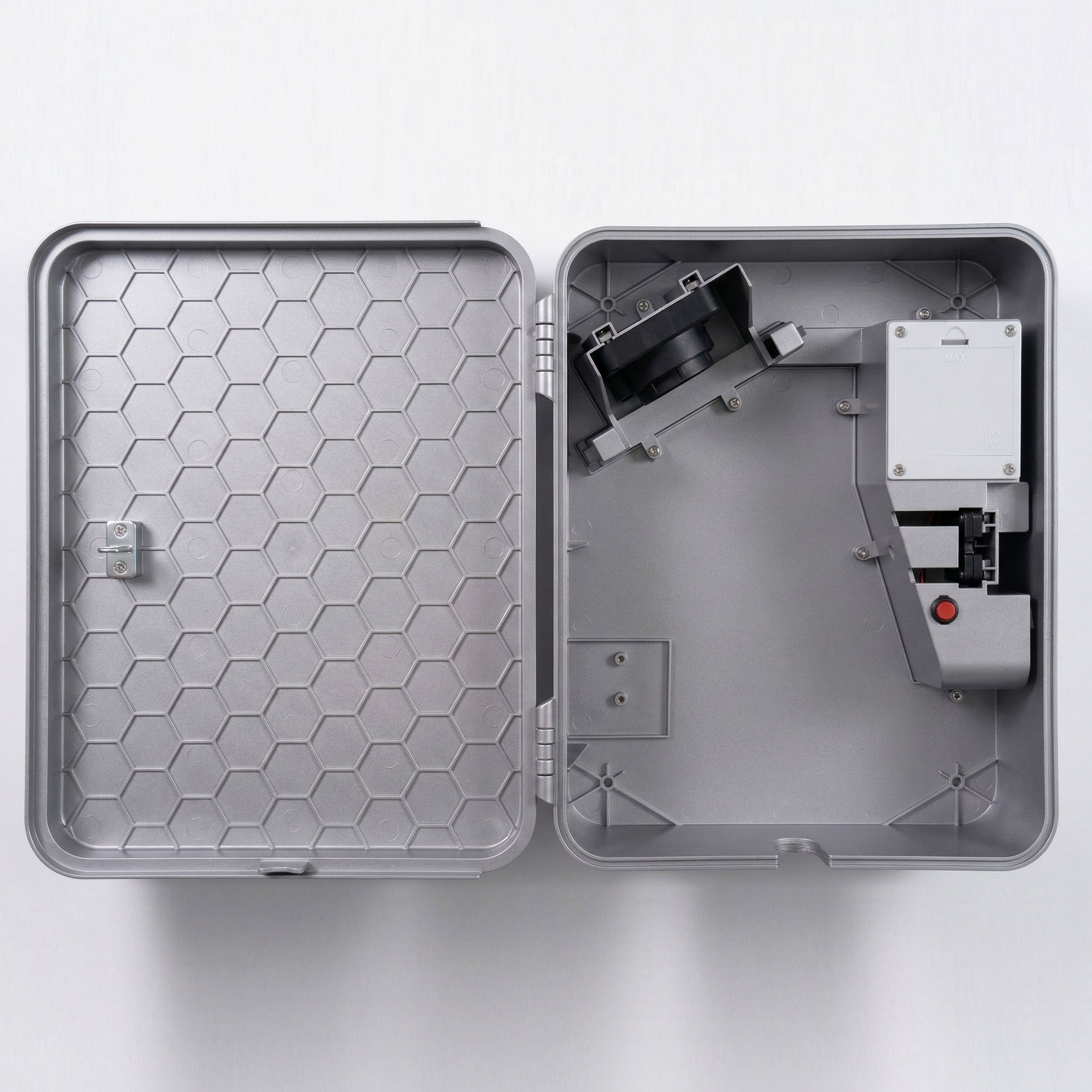
EVchargeME lockbox (choose Tesla, NACS, or J1772 variant)
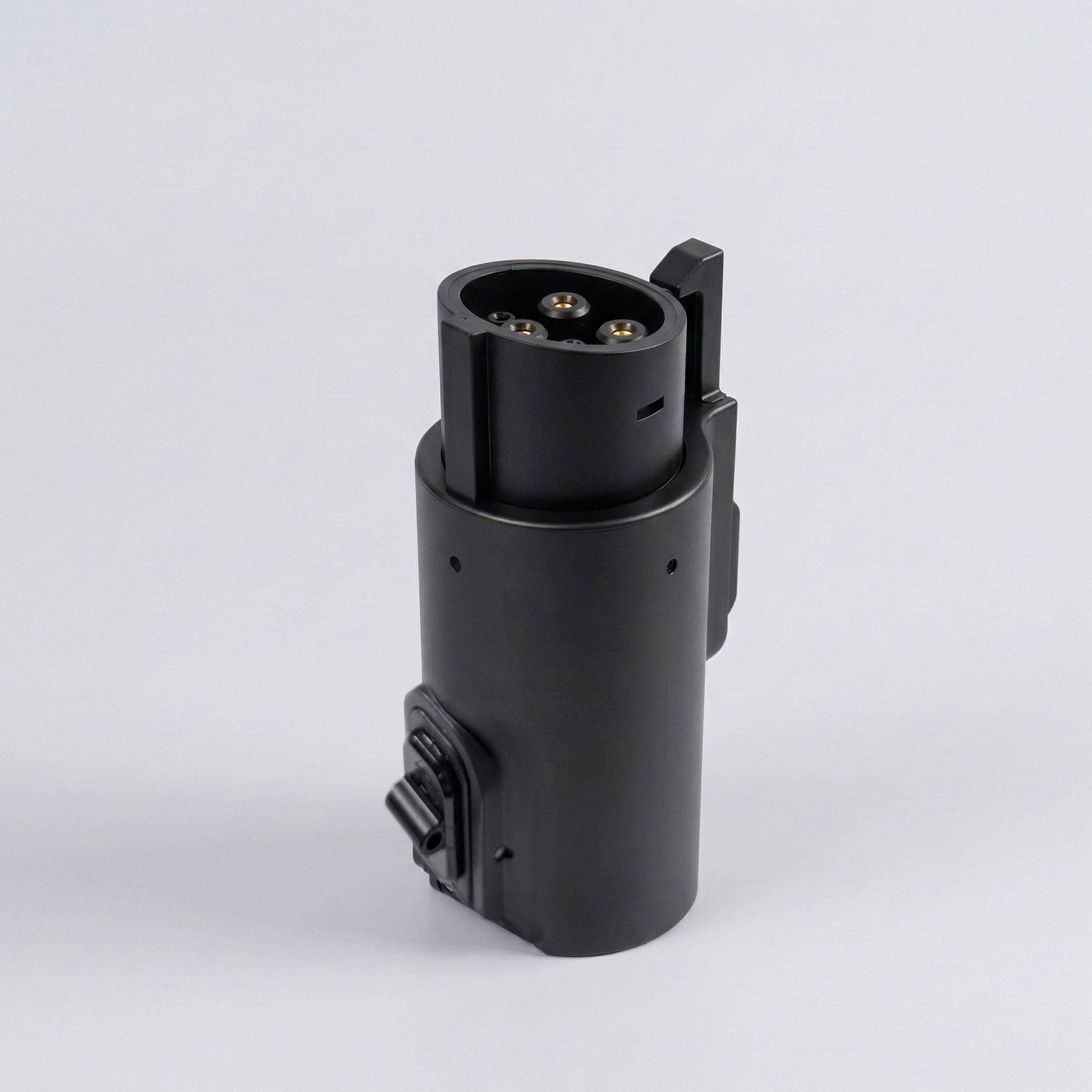
Adapter included (supports the other plug type)
Mounting hardware (4-screw wall mount)
App access for host controls and automatic payments
Optional add-on: 20' Extension Cable for extra reach
Kit summary
Lockbox (Tesla, NACS, or J1772)
Included
Adapter (other plug type)
Included
Mounting hardware
Included
App access
Free
Monthly fee
$0
Take rate
15%
From $249
CONNECTOR OPTIONS
Everything you need to start offering paid EV charging at your rental.
Choose what matches your setup. The adapter helps cover both plug types.
OPTION A
Tesla Box (NACS) + J1772 Adapter
From $249
Best if: your current setup is Tesla-style (NACS)
Includes: adapter so J1772 vehicles can charge too
OPTION B
J1772 Box + Tesla Adapter
From $249
Best if: your existing setup is J1772
Includes: adapter so Tesla vehicles can charge too
Guest flow
How it works
Guests reserve before they arrive, unlock through the app, and pay automatically—so you can host charging without the back-and-forth.
1
Find + reserve
Book your charger in the app
2
Arrive
Show up within the 15-minute window
3
Unlock +Charge
Unlock using secure Bluetooth access
4
Return the Cable
End the session, close the box and auto-pay
Your host balance is credited when the session ends, with withdrawals available once funds clear (weekly).
HOST CONTROLS
Host charging without giving up control.
You decide when your charger is available, who can use it, and what they pay—so charging fits your life, not the other way around.
Toggle private / public access anytime
Set recurring schedules, plus blackout dates and one-off blocks
Set hourly pricing, prorated in 5-minute increments
Offer peak/off-peak pricing
Set different rates for private vs public users
Keep it simple: you can turn hosting off anytime
EXAMPLE CONFIG
Access mode
Public / Private
Schedule
i.e. Mon–Sun 7am–10pm
Blackout
Dec 24–26
Hourly rate
$5.50/hr
Peak pricing
+$1.00 4–8pm
Hosting Status
Active
POLICIES
Rules at a glance
$3
Minimum per charging session
5 min
Billing increments (hourly rate prorated)
15 min
Arrival window after reservation
$5
No-show fee if guest doesn't arrive in time
Guests can report issues in-app; support handles concerns case-by-case.
INSTALLATION
Install is simple.
Mount the lockbox on an exterior wall near your garage door (indoor mounting is also possible). It's a straightforward install with basic tools.
Mount with 4 screws anchored into the wall
Place near the charger for clean cable routing
Add an extension cable if guests need extra reach in the driveway
WHAT YOU'LL NEED
4 screws + wall anchors (included)
Screwdriver or drill
Exterior wall near garage door
EVchargeME app to activate
Requirements
Before you buy
Mount the lockbox on an exterior wall near your garage door (indoor mounting is also possible). Setup takes minutes—not a renovation.
You already have a Level 2 EV charger
You want to support Tesla, NACS, and/or J1772 vehicles
You'll use the EVchargeME app for availability, pricing, and access control
Host verification (high-level): Hosts provide basic verification, including proof of a Level 2 charger and homeowners insurance.

Home Host Kit
$249.00
Quantity
FAQ
Quick answers
Can I limit hours so guests don't show up late?
Yes. Set your availability schedule and blackout dates in the app.
Can I keep it private sometimes?
Yes. Toggle private mode anytime.
How does a guest unlock the box?
They unlock via the app using a secure Bluetooth connection when they have an active reservation.
How am I paid?
Your host balance is credited when sessions end. Withdrawals are available once funds clear (weekly).
Can I change prices anytime?
Yes. Adjust pricing, peak/off-peak, and private/public rates in the app.
Do you warranty my charger?
No—EV Charge Me does not warranty the charging source provided by the host.
Do I need insurance?
Yes—hosts are required to have homeowners insurance.
What information do guests provide?
Drivers provide basic verification and vehicle details to help keep the network accountable.
What if something goes wrong during a session?
guests can report issues in-app, and support can assist. If an active unit doesn't work, the next charge is free.
Still not sure? Contact us and we'll recommend the right kit.
Let your charger earn when you're not using it.
Set your rules once, then host charging on your schedule—with automatic billing and support when needed.